Digital design & creativity
Explore visual ideas, composition and creative problem-solving. Give students a way to turn an idea into something others can see.
Productsio for Schools
Give your students the skills to create with technology—and the confidence to use it responsibly. Bring practical digital learning, wellbeing and online safety into your school.
For secondary schools · On-site learning · Age & level appropriate
Two ways to help students grow
Learning technology is about more than knowing which button to press. It’s knowing what you can create, how to think critically and when to ask for help.
Practical, term-based learning in design, coding, AI, robotics, cybersecurity and device repairs.
Explore Bright FutureDigital wellbeing & online safetyHelp students recognise online risks, protect their privacy and develop healthier digital habits.
Explore digital wellbeingReal skills. Bright Future.
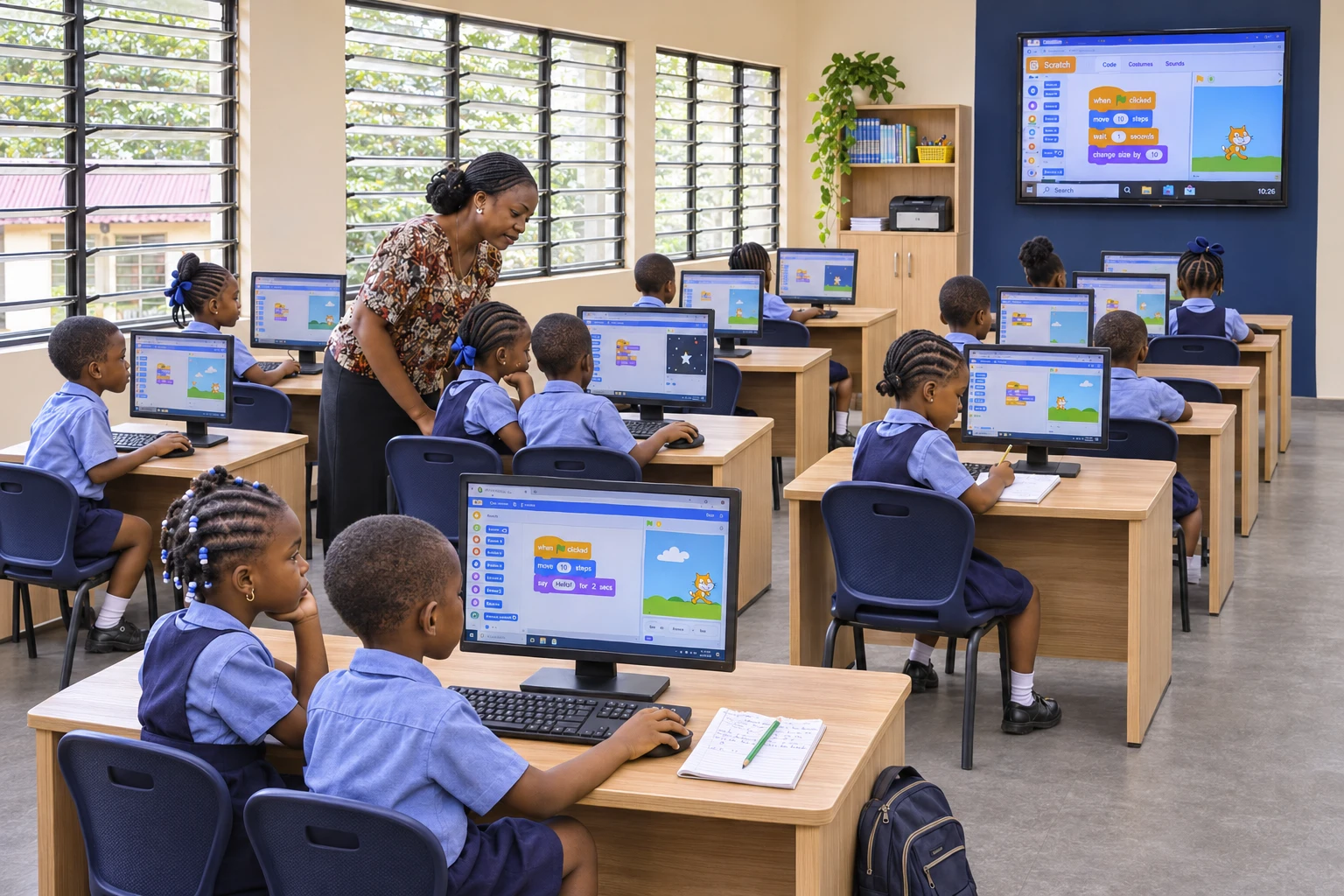
Bright Future is a practical, hands-on programme for secondary school students to learn, create and build with today’s technology.
Students work through guided activities and real projects, with learning suited to their age and experience. The aim is simple: turn interest into something they can make, explain and feel proud of.
A term of possibilities
Talk to the team about your school’s timetable, selected track, class size and equipment before scheduling.
Choose a skill track
Agree on a track that fits your students’ level, interests and the time available in your school term.
Explore visual ideas, composition and creative problem-solving. Give students a way to turn an idea into something others can see.
Introduce how websites work. Help students create pages and build a clearer understanding of the digital experiences they use.
Explore what AI can do, question the answers it gives and practise using it thoughtfully for learning and creative work.
Connect ideas with physical problem-solving through an introduction to robotics. Agree on suitable activities and equipment with the team.
Explore how phones and computers work. Introduce safe handling, basic diagnostics and supervised troubleshooting suited to the students’ age and level.
Build interactive stories, games and animations with visual code blocks. Practise sequencing, logic and creative problem-solving.
Learn the foundations of protecting accounts, devices and information through safe, age-appropriate activities and everyday examples.
Before you tap “share”…
Pause.Digital wellbeing & online safety
The internet is part of how young people learn, connect and express themselves. They need space to talk about the difficult parts, too.
Help students make sense of online bullying, privacy, misinformation and the pressure to always be connected. Use relatable discussions and activities to practise safer choices.
Plan an online safety sessionEveryday choices, lasting habits
Shape the conversation around your students’ age group and school context, with practical next steps they can remember.
Think before sharing personal details, photos or location. Explore passwords, account settings and what belongs offline.
Recognise harmful behaviour, practise respectful communication and identify trusted adults to turn to for support.
Discuss digital boundaries, the pressure of social comparison and making room for sleep, learning and relationships.
Question what appears in a feed. Look for reliable information and recognise that AI-generated answers and images can mislead.
Use familiar examples to spot suspicious messages and requests, pause before clicking and seek help when something feels wrong.
Make help-seeking part of the conversation. Reinforce your school’s reporting channels and the people students can speak to.
Built with your school
Start with a conversation, then work together on a programme that fits the school day.
Tell us the age group, class level, learning goals and any specific concerns you want the programme to address.
Choose the track or topics, review the timetable and confirm the resources and support available at your school.
Give students room to ask, make, discuss and practise. Keep the activities relevant to their everyday experiences.
Agree on how students will share their projects or learning, so teachers and parents can see what they have worked on.
Questions from schools
The programme is designed for secondary school students, with activities adapted to their age and learning level. Discuss the right starting point for your classes with Productsio.
Yes, Bright Future offers on-site training. We’ll discuss the space, equipment and timetable needed to run the agreed programme.
Yes. Contact Productsio to discuss the age group, topics and format. Online safety sessions can be scoped separately to fit your school’s needs.
Requirements depend on the chosen track. Share your school’s available devices and facilities so the team can confirm what is needed before scheduling.
Send us your school name, location, student age group and the programme you’re interested in. We’ll discuss the scope, delivery arrangements and next steps.
A stronger school community
Give them a place to create, a reason to be curious and the skills to make more thoughtful choices in a digital world.